







Capacitive vs Resistive POS Terminal Displays Guide and Benefits

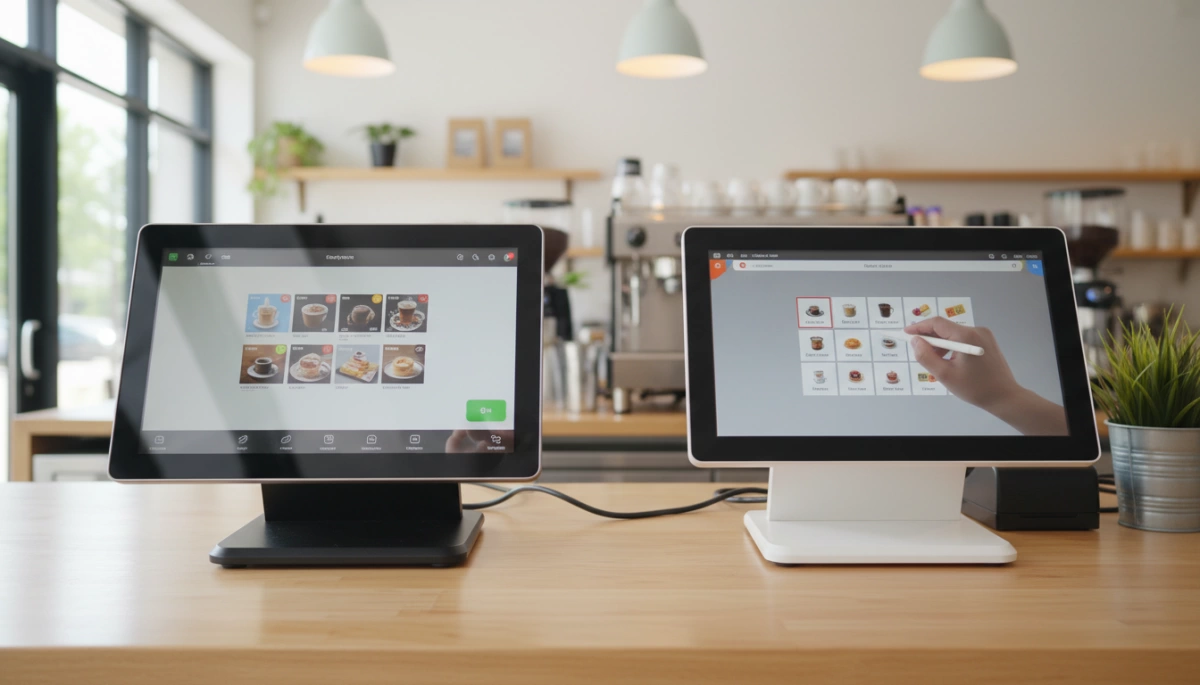
Are you torn between screen technologies for your checkout counter? Making the wrong choice can mean frustrated staff and slower service.
As an industry expert, I know that the difference lies in more than just the price tag.
In this guide, you’ll get a clear breakdown of Capacitive vs Resistive POS terminal Displays. We’ll cut through the technical jargon to help you decide which screen offers the durability and touch sensitivity your specific environment demands.
Let’s dive in.
Understanding the Basics: Capacitive vs. Resistive Touchscreens
The Technology Behind Capacitive Displays
Projected Capacitive (PCAP) technology is the gold standard for modern, high-performance point of sale systems, including our advanced 15.6” Android and Windows terminals. This technology utilizes the electrical properties of the human body to detect input. When a finger touches the electrostatic field on the industrial-grade glass surface, the controller instantly pinpoints the coordinate. This mechanism enables the responsive multi-touch capabilities required for smooth multitasking and gesture controls (like pinching and swiping) on our Intel and Rockchip-powered devices.
How Resistive Touchscreens Function
Resistive touchscreen technology operates on physical pressure rather than electrical conductivity. The display consists of two flexible metallic layers separated by a microscopic air gap. When a user presses down on the screen, the top layer touches the bottom layer, completing an electrical circuit to register the input. Because it relies on mechanical pressure, this screen type can be operated with any object, including a stylus or heavy industrial gloves, but it lacks the premium glass feel and optical clarity of our capacitive solutions.
Key Differences at a Glance
| Feature | Capacitive Display (SDLPOS Standard) | Resistive Display |
|---|---|---|
| Input Method | Electrical Contact (Finger/Conductive Stylus) | Physical Pressure (Any Object) |
| Multi-Touch | Fully Supported (Zoom, Swipe, Pinch) | Single Point Only |
| Clarity | High Definition (Superior Light Transmission) | Lower (Dimmed by Flexible Layers) |
| Durability | Solid Glass (Scratch Resistant) | Flexible Surface (Prone to Wear) |
| Response | Instant, Light Touch | Requires Firm Press |
Capacitive POS Displays: Features and Advantages
At SDLPOS, we prioritize hardware that keeps up with the fast pace of modern commerce. Capacitive technology has become the gold standard for our 15.6” Android and Windows terminals because it mimics the intuitive feel of a smartphone, offering immediate response and high reliability in retail environments.
Superior Clarity and Multi-Touch Capabilities
The most immediate benefit of the capacitive screens we manufacture is optical clarity. Unlike resistive screens that require flexible plastic layers, our capacitive displays use a glass interface that transmits up to 90-100% of light from the backlight. This results in a crisp, Full HD visual experience that reduces eye strain for cashiers working long shifts.
Beyond just looking good, this touchscreen technology supports multi-touch gestures. This allows for pinch-to-zoom functionality and faster typing speeds. This responsiveness is critical when managing complex transactions or utilizing interactive dual-screen POS setups where customer engagement is key.
Performance Highlights:
- Response Time: Instant detection of the lightest touch.
- Gesture Support: Enables multi-finger operation (pinch, swipe, scroll).
- Visuals: High contrast and brightness suitable for brightly lit stores.
Durability and Scratch Resistance
In a busy restaurant or supermarket, equipment takes a beating. We build our terminals with industrial-grade materials to withstand 24/7 operation. The glass surface of a capacitive display is naturally scratch resistant, making it far more durable than the soft plastic surface of legacy resistive screens.
Because there are no moving parts or flexible layers to wear out, the touch mechanism does not degrade over time. You won’t experience the “drift” common in older screens where the touch point becomes inaccurate after thousands of presses. This longevity ensures that your investment holds its value without needing frequent screen replacements.
Limitations in High-Impact or Industrial Settings
While capacitive screens are superior for general retail and hospitality, they do have specific constraints based on how the sensor detects electrical charge.
- Gloved Operation: Standard capacitive screens generally do not recognize touches from thick industrial gloves or non-conductive styluses.
- Liquid Interference: Heavy amounts of water or grease on the screen can sometimes trigger “ghost touches,” though our industrial designs include enhanced sealing to mitigate this.
- Input Method: Requires a bare finger or a specialized capacitive stylus, limiting use in environments where workers must keep hands heavily protected.
Resistive POS Displays: The Reliable Workhorse
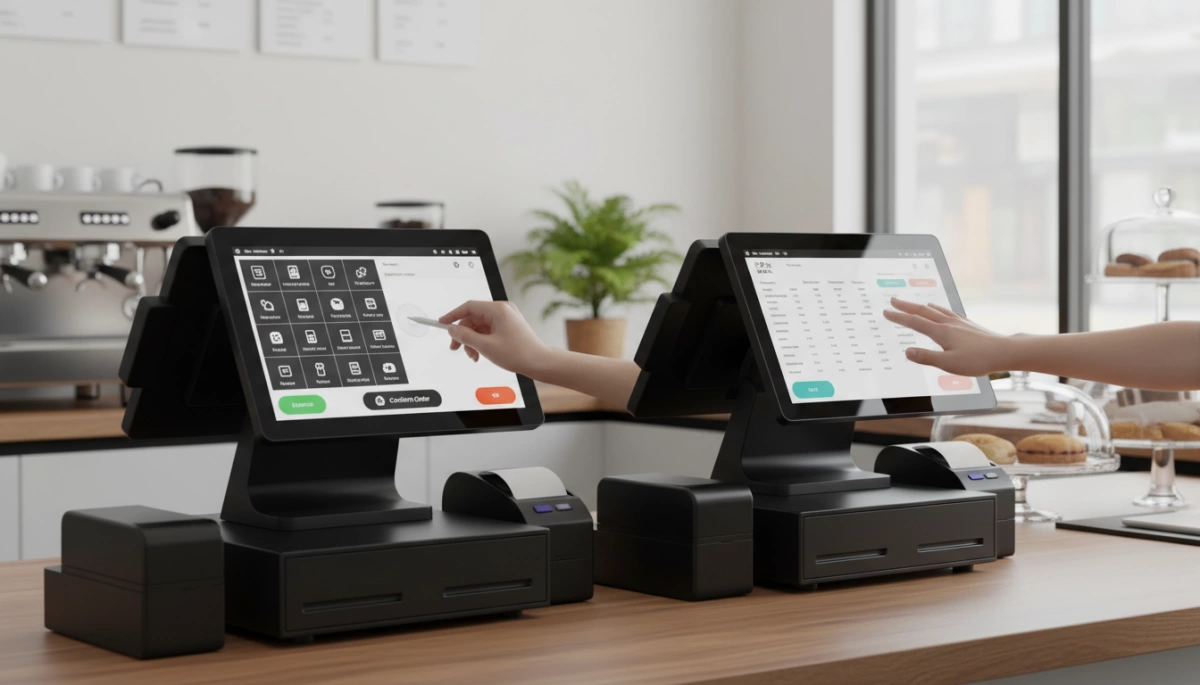
While our modern product line focuses on advanced capacitive technology, understanding Capacitive vs Resistive POS terminal Displays requires looking at the traditional resistive option. Resistive screens have served as the industry standard for decades, functioning on a simple mechanical principle rather than electrical conductivity. For businesses operating legacy systems or specific industrial setups, these displays remain a functional, albeit aging, choice.
Pressure-Sensitive Input: Stylus and Gloved Use
The defining feature of a resistive touchscreen is its reliance on pressure. The screen consists of two flexible plastic sheets separated by a tiny gap; when you press down, the sheets touch, registering the input. This makes them incredibly versatile regarding what you use to touch the screen.
Unlike the glass surfaces on our modern Android or Windows terminals, resistive screens do not require skin contact. This is critical for specific HMI interfaces where operators wear thick, non-conductive heavy-duty gloves.
- Input Flexibility: Works with a stylus, fingernail, credit card edge, or gloved hand.
- Precision: Excellent for signature capture using a fine-tip stylus.
- Environment: Unaffected by water drops or dust sitting on the surface, as only firm pressure triggers a response.
Cost-Effectiveness and Integration Benefits
One of the main reasons resistive technology persists in certain markets is the lower barrier to entry. The manufacturing costs for resistive panels are generally lower than projected capacitive (PCAP) screens. For businesses strictly focused on minimizing initial hardware expenditure, this can be a deciding factor.
However, when you are learning how to choose cash register hardware, it is vital to balance this upfront savings against long-term performance. Resistive screens are easier to integrate into simple electronics, but they often lack the premium feel and multi-touch gestures found in our industrial-grade capacitive solutions.
Common Challenges: Wear and Tear Over Time
Despite their utility, resistive displays face significant durability hurdles compared to the hardened glass used in our 15.6” POS terminals. Because the top layer must be flexible to register a press, it is typically made of plastic, making it far less scratch resistant than glass.
Over time, high-traffic areas on the screen (like the “Enter” or “Checkout” button) can become worn, foggy, or unresponsive due to physical fatigue of the materials.
| Feature | Resistive Limitation | Impact on Operations |
|---|---|---|
| Visual Clarity | Lower brightness and contrast (approx. 75% light transmission) | Harder to read in bright retail lighting. |
| Touch Response | Single-touch only | Cannot use “pinch-to-zoom” or multi-finger gestures. |
| Surface Durability | Soft top layer | Prone to scratches from sharp objects or aggressive use. |
For businesses prioritizing longevity and 24/7 operation, these wear-and-tear issues often justify the shift toward the more durable capacitive standard we employ in our OEM/ODM solutions.
Industry-Specific Application Scenarios
Choosing between Capacitive vs Resistive POS terminal Displays isn’t just about specs; it’s about where the machine lives. We see this daily in our manufacturing line—putting the wrong screen type in a humid kitchen or a bright outdoor pop-up shop usually leads to frustrated staff and slow service. You need to match the touchscreen technology to the specific demands of your environment to ensure smooth, 24/7 operation.
Retail and Hospitality: Why Capacitive is the Standard
In the US retail and hospitality sectors, speed is everything. If you are running a high-volume supermarket or a busy coffee shop, you cannot afford a screen that requires a hard press to register a sale. This is why we equip our advanced 15.6” terminals with capacitive screens. They offer the same smooth, light-touch experience as a smartphone, allowing cashiers to swipe, scroll, and tap effortlessly.
Capacitive displays support multi-touch gestures, which are essential for modern software interfaces used in comprehensive point of sale cash register systems. The glass surface is also easier to wipe down and keeps its clarity longer than plastic-faced resistive screens. For businesses prioritizing aesthetics and customer interaction—especially with dual-screen setups—capacitive is the clear winner for retail hardware.
- Speed: Instant response to light touches speeds up checkout lines.
- Clarity: Full HD capabilities make images and menus pop.
- Durability: Glass surfaces resist the scratching common in high-traffic zones.
Industrial and Kitchen Environments: The Case for Resistive
While capacitive screens dominate the front of the house, the back of the house can be a different story. In commercial kitchens or industrial warehouses, staff often wear thick gloves or have wet, greasy hands. This is where resistive technology still holds a niche. Since resistive screens rely on pressure rather than electrical conductivity, they can be operated with literally anything—a stylus, a gloved finger, or the edge of a credit card.
However, it is worth noting that modern industrial-grade capacitive screens are catching up, with tuned sensitivity for thin gloves. But if your environment involves heavy debris or you are looking to keep manufacturing costs lower for legacy setups, resistive screens act as a reliable workhorse. They don’t react to water splashes as “touches,” preventing accidental inputs during a rush.
Outdoor and High-Humidity POS Usage
Taking your POS system outdoors for a garden center, food truck, or sidewalk sale introduces two major enemies: sunlight and moisture.
- Sunlight Readability: Capacitive screens generally offer superior brightness and contrast. Resistive screens have extra layers of plastic that can make the display look washed out or dim under direct sunlight, making them hard to read.
- Moisture and Humidity: High humidity or direct rain can confuse standard capacitive sensors, causing “ghost touches.” However, our industrial-grade units are designed with enhanced environmental protection to mitigate this.
For most outdoor scenarios, a high-brightness capacitive screen is preferred for visibility, provided it is housed in a rugged, weather-resistant body. If you are dealing with extreme humidity where condensation is constant, we recommend consulting on specific IP-rated configurations to ensure your scratch resistant display handles the elements without failing.
Capacitive vs. Resistive Comparison: Critical Factors
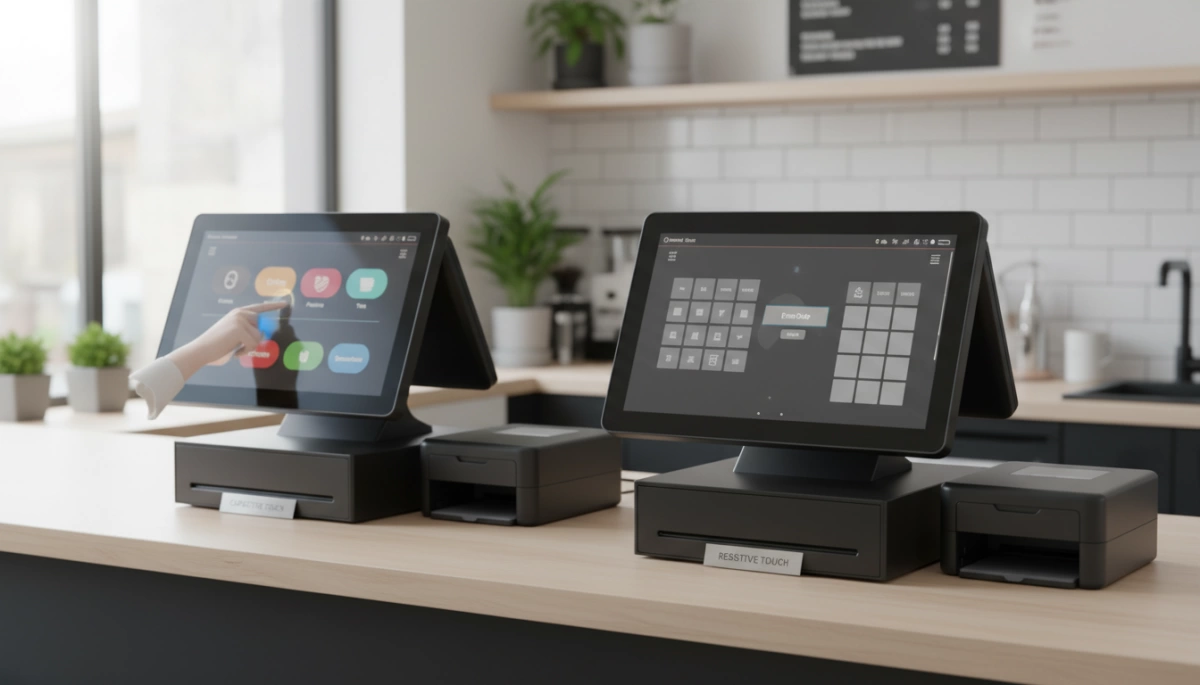
When we engineer point of sale systems, the choice between capacitive and resistive technology isn’t just about cost—it fundamentally changes how your staff interacts with the machine. We have spent over a decade manufacturing industrial-grade hardware, and we see distinct performance gaps that business owners need to understand before deploying a fleet of terminals.
Optical Performance and Visual Experience
The visual difference is immediately noticeable. Capacitive displays use a glass layer that offers high transparency, typically transmitting over 90% of light. This results in the crisp, vibrant visuals you see on our 15.6” Full HD screens. This clarity is essential for modern retail interfaces that use detailed images or complex menus.
In contrast, resistive screens rely on flexible plastic layers suspended over a glass substrate. These extra layers block light, often reducing transmission to about 75-80%. Over time, the plastic surface can yellow or develop a haze, making the screen harder to read under bright store lighting. For businesses prioritizing a sleek, modern look, the optical superiority of capacitive glass is the clear winner.
Sensitivity and User Interface Response
Speed defines the checkout experience. Capacitive technology relies on the electrical current from the human body, allowing for zero-pressure touch detection. This enables the multi-touch gestures—like pinching to zoom or swiping—that staff are already used to from their smartphones. When pairing high-performance processors (like the Intel i7 or Rockchip RK3568) with these screens, the interface response is instant.
Resistive screens operate on pressure. You have to physically press down to connect two layers. This limitation means they generally support only single-touch input and cannot handle complex gestures. While they are reliable, they lack the fluid speed required for high-volume environments. Understanding these interface differences is crucial when deciding between Windows cash registers vs. tablet POS setups, as the screen type dictates the workflow efficiency.
Maintenance and Lifespan in POS Terminals
Durability is where our “industrial-grade” standards come into play. In a busy commercial setting, screens take a beating.
- Capacitive Screens: These are built with tempered glass, making them highly scratch resistant and easy to clean. Since they have no moving parts in the screen layers, they maintain accuracy over hundreds of millions of touches. They are ideal for 24/7 operation.
- Resistive Screens: The top layer is soft plastic. While it can withstand impact, it is prone to scratches from sharp objects (like pens used as makeshift styluses) and wears down in specific spots that are pressed repeatedly.
Quick Comparison: Durability & Maintenance
| Feature | Capacitive Display | Resistive Display |
|---|---|---|
| Surface Material | Tempered Glass (Hard) | Flexible Plastic (Soft) |
| Scratch Resistance | High (Resists keys, coins) | Low (Prone to stylus scratches) |
| Cleaning | Easy (Flat, sealed surface) | Moderate (Corners trap dirt) |
| Touch Lifespan | Unlimited (Solid state) | Limited (Layers wear out) |
For most US businesses, the lower maintenance and higher durability of capacitive glass offer better long-term value, reducing the need for hardware replacements.
Choosing the Right POS Terminal Display for Your Business
Evaluating Your Workflow and Environment
When I help business owners select hardware, the first thing we look at is the physical environment. If your staff operates in a messy environment—like a busy commercial kitchen or an auto repair shop—where grease, water, or gloved hands are common, a resistive screen is often the smarter choice due to its pressure sensitivity. However, for a clean retail front counter or a hospitality setting where speed and image matter, touchscreen technology has evolved to make capacitive displays the gold standard.
You need to match the screen type to the daily reality of your operations. If you are currently assessing your setup, understanding the specific needs of POS cash registers for small business environments can prevent you from investing in equipment that fails under stress.
Consider these environmental factors:
- Lighting: Capacitive screens usually offer better brightness for sunlit areas.
- Contaminants: Resistive screens handle dust and debris better without “ghost touches.”
- User Input: Do your employees need multi-touch gestures (zoom/swipe) or single-point clicks?
Budget Considerations and Long-Term Value
Budget is always a major factor. Generally, resistive touchscreens have lower manufacturing costs, resulting in a cheaper upfront price tag for the terminal. This can be crucial for startups or businesses deploying a large number of units at once. However, looking at the sticker price alone is a mistake.
Capacitive screens, while more expensive initially, often provide better long-term value. They are more durable and have a glass surface that doesn’t wear down as quickly as the plastic overlay on resistive screens. When understanding the difference between a traditional cash register and a POS system, you realize that the display is the primary touchpoint for your staff; investing in a higher-quality interface can reduce frustration and maintenance costs over time.
The Future of Touchscreen Technology in POS Systems
The industry is moving quickly toward more sophisticated HMI interfaces (Human-Machine Interfaces). We are seeing a shift where point of sale systems are expected to function exactly like high-end consumer tablets. This means the market is leaning heavily toward Projected Capacitive (PCAP) technology because it supports the sleek, bezel-free designs that modern businesses want.
Future advancements are focusing on making these screens even more scratch resistant and responsive, bridging the gap between industrial durability and consumer aesthetics. As you plan for the future, opting for modern display tech ensures your hardware remains compatible with upcoming software updates and user expectations.
Frequently Asked Questions
Can you use a stylus on a capacitive POS screen?
You cannot use a standard plastic stylus on the capacitive displays found on our modern Android and Windows terminals. Since this touchscreen technology relies on the electrical properties of the human body to register input, it requires a finger or a specialized conductive stylus to work. However, most businesses prefer capacitive screens specifically because they don’t require extra tools. The multi-touch capability allows staff to tap, swipe, and zoom naturally, ensuring the quick system response needed during peak hours.
Which display type is more resistant to liquids?
Resistive screens were traditionally favored in wet environments because their sealed, pressure-based layers prevent liquid ingress. However, modern industrial-grade capacitive screens have largely closed this gap. Our capacitive units utilize a flat, scratch resistant glass surface that is easy to wipe clean and prevents grime from building up in the corners. While you should always be careful with electronics around water, a high-quality capacitive build is designed to withstand the rigors of daily use in restaurants and cafes where spills are inevitable.
How do I identify which screen my current POS uses?
The simplest method is the “press test.” If the screen surface feels slightly soft or flexes inward when you push it, you are likely working with a resistive panel. If the surface feels like solid glass and responds to the lightest contact without pressure, it is capacitive. You can also try a multi-touch gesture, like pinching to zoom; if the interface doesn’t react to two fingers, it is likely an older resistive model. If your current hardware is unresponsive or difficult to identify, reviewing a guide on troubleshooting common POS system issues can help you determine if it is time for an upgrade.


