







POS Terminal with Front Camera Guide for Biometrics and QR Scanning

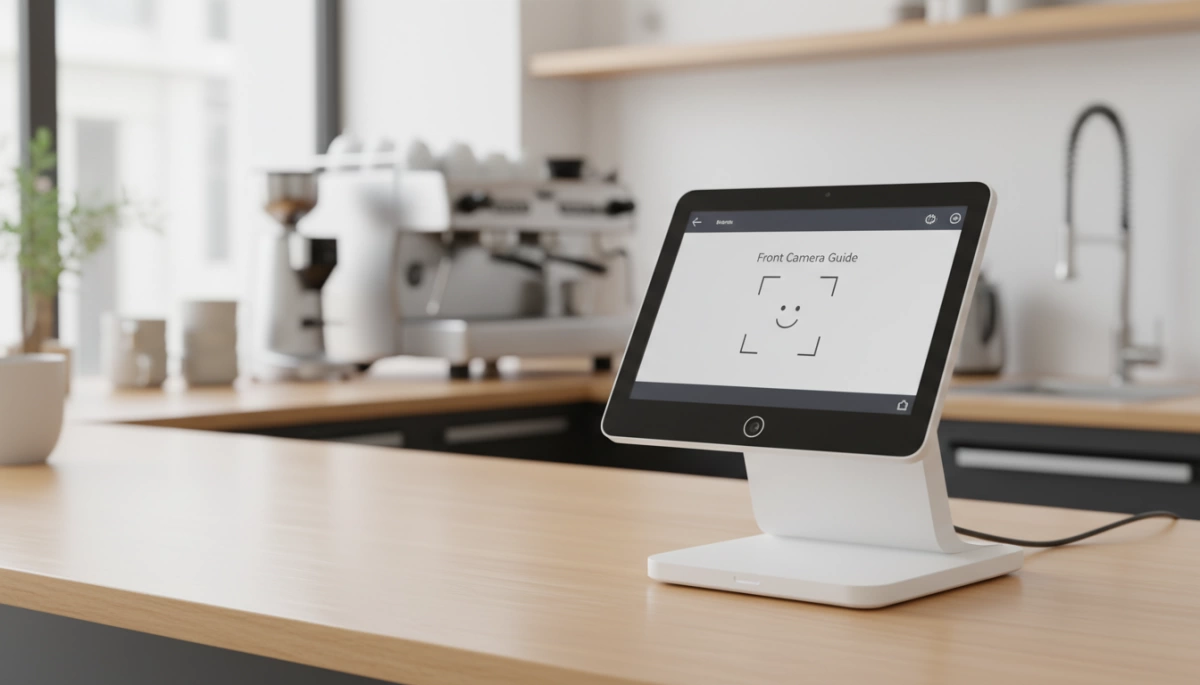
Why Your Business Needs a Front-Facing Camera POS
In the past, a POS system only needed to read a card. Today, the hardware must see the customer. At SDL, we have observed a massive shift in how businesses utilize Android POS terminal hardware. It is no longer just about processing a transaction; it is about identity, speed, and interaction. Integrating a front-facing camera isn’t a luxury add-on anymore—it is a critical operational tool.
Here is why upgrading to a terminal with visual capabilities is a smart move for your infrastructure:
Facial Recognition Payment (Face Pay)
The future of retail is frictionless. Biometric POS payment allows customers to pay with a smile, eliminating the need to fumble for wallets or phones.
- Speed: Drastically reduces checkout time compared to chip insertion.
- Security: Leverages live body detection technology to prevent spoofing with photos or videos.
- Hygiene: Offers a completely touch-free payment experience, which is increasingly demanded in the US market.
Customer-Driven QR Scanning
Handing a personal phone over to a cashier to scan a coupon is awkward and unsanitary. A front-facing camera solves this immediately.
- Self-Scanning: Customers simply hold their phone screen up to the POS terminal to redeem loyalty points or pay via wallets like Venmo or PayPal.
- Better UX: The customer maintains control of their device, speeding up the line.
- Versatility: Capable of reading 1D/2D barcodes directly from smartphone screens with high precision.
Digital KYC and Identity Verification
For industries like banking, telecom, and lottery sales, verifying who is standing at the counter is a legal requirement. Digital KYC verification relies heavily on clear, front-facing optics.
- Real-Time Matching: We design our terminals to capture live photos that instantly compare against scanned physical ID cards.
- Fraud Prevention: High-resolution capture ensures that the person presenting the ID is the actual owner, reducing identity theft risks.
- Audit Trails: Stores a visual record of the transaction for compliance and dispute resolution.
Employee Management & Security
The front camera isn’t just for customers; it is a powerful tool for internal management.
- Stop “Buddy Punching”: Ensure the employee clocking in is actually present using facial recognition rather than a shared PIN code.
- Secure Logins: Replace typed passwords with biometric authentication for manager overrides and voiding transactions.
- Accountability: Identity verification hardware creates a secure environment where every action on the POS is tied to a verified user.
Critical Technical Specifications for POS Cameras
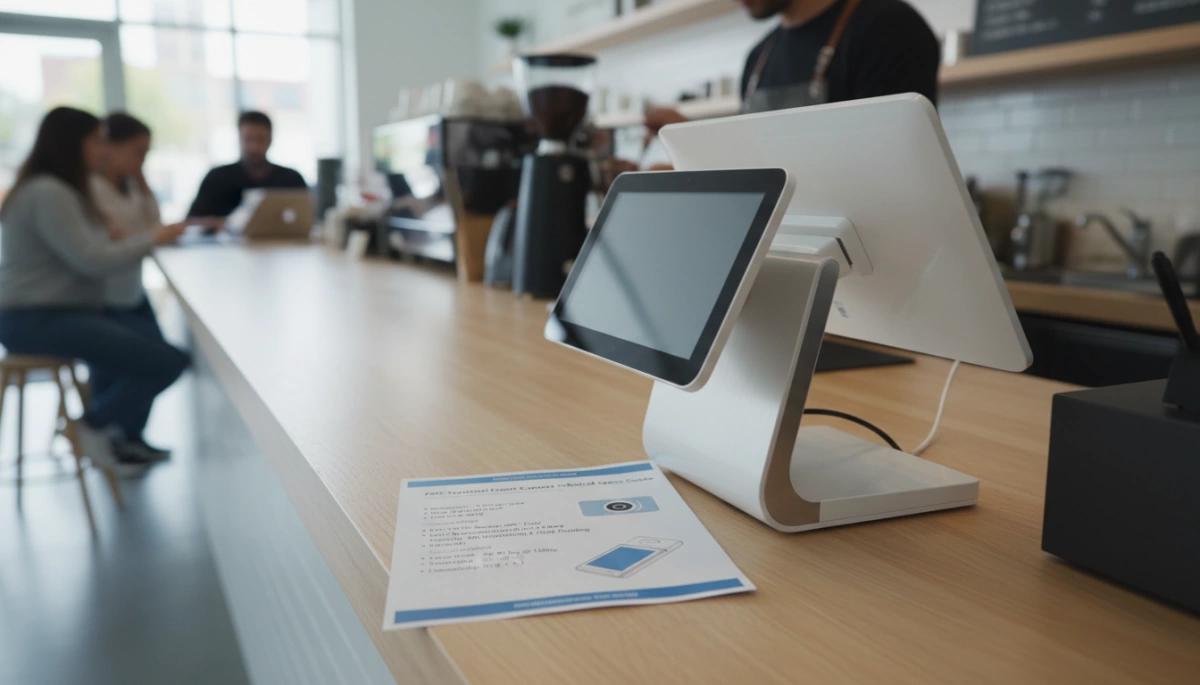
When sourcing hardware for your business, the specs on the spec sheet translate directly to real-world performance. A cheap camera module might save a few dollars upfront, but it costs you in failed transactions and security risks later. Here is exactly what to look for in a modern POS terminal with Front Camera Guide.
Resolution and Clarity
Gone are the days when a grainy 0.3MP sensor was acceptable. For reliable facial recognition and identity verification, clarity is king. We equip our latest Android POS terminals with 2MP to 5MP front-facing cameras. This resolution is the new standard because it captures the minute facial details required by biometric algorithms. If the image is pixelated, the software rejects the match, causing frustration at the checkout. High resolution ensures the system gets it right the first time.
Live Body Detection vs. 2D Imaging
Security is the biggest concern with biometric payments. You need to ensure that the camera isn’t being fooled by a high-resolution photo or a video on a phone screen.
- 2D Cameras: Rely on software-based anti-spoofing algorithms. Good for basic use but less secure.
- 3D Structured Light: Projects thousands of invisible dots to map the depth of the face. This hardware-level live body detection technology makes it nearly impossible to spoof the system with a flat image.
Low-Light Performance
Your POS environment isn’t always a brightly lit retail store. Bars, nightclubs, and restaurants often operate in dim lighting. If the camera sensor lacks sensitivity, it introduces noise and lag, slowing down the line. When choosing multi-peripheral POS hardware, prioritize sensors designed for low-light environments. This ensures that scanning a QR code or verifying a face happens instantly, even in a dark lounge.
Field of View (FOV)
The Field of View determines how much the camera sees. A standard narrow lens forces customers to crouch or stand on their tiptoes to get their face inside the frame. We utilize wide-angle lenses to improve the user experience. A wider FOV accommodates customers of varying heights naturally, making the interaction frictionless.
Quick Spec Comparison Guide
| Feature | Legacy Standard | Modern SDL Standard | Benefit |
|---|---|---|---|
| Resolution | 0.3 Megapixels | 2MP – 5MP | Accurate ID verification & Face Pay |
| Security | Basic 2D Imaging | 3D Liveness Detection | Prevents photo/video spoofing attacks |
| Aperture | f/2.8 (Darker) | f/2.0 or lower | Better performance in dim lighting |
| Focus | Fixed Focus | Auto-Focus | Sharp images at varying distances |
If you are experiencing delays with your current setup, it might not be the software; the hardware optics could be the bottleneck. See our guide on troubleshooting when a cash register POS scanner is slow to understand how optics impact speed.
Android OS & Software Integration
The Android Advantage
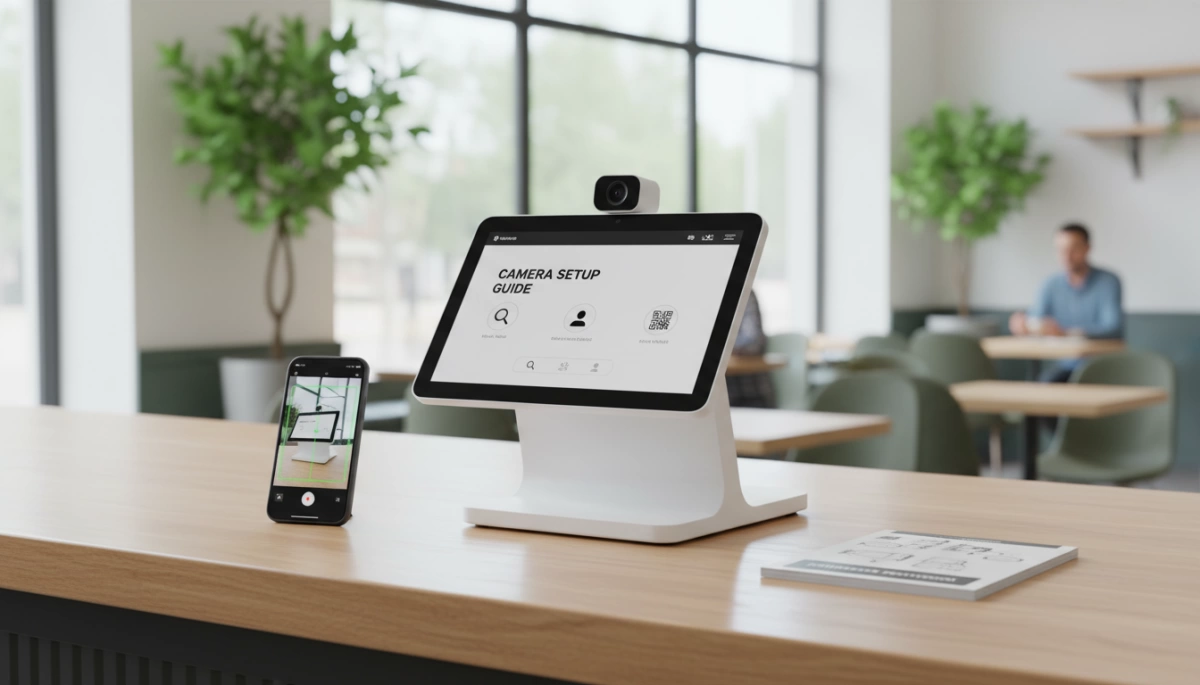
When selecting a POS terminal with Front Camera Guide, the operating system is just as critical as the hardware itself. We build our devices on the Android platform because it offers unmatched flexibility for modern businesses. Unlike proprietary operating systems that lock you into a closed ecosystem, Android POS terminal hardware utilizes standard Camera APIs. This allows developers to easily integrate third-party applications—whether it’s a loyalty app, a custom facial recognition payment device, or an employee time-clock solution—without rewriting code from scratch.
SDK Support: Control and Encryption
A camera is only as good as the software driving it. We provide comprehensive SDK (Software Development Kit) support that gives your technical team granular control over the hardware. This isn’t just about snapping a picture; it involves managing specific camera triggers, adjusting auto-focus for barcodes versus faces, and handling data encryption.
- Trigger Control: Define exactly when the camera activates to save battery.
- Focus Management: Switch between macro modes for QR codes and portrait modes for digital KYC verification.
- Security Layers: Ensure biometric data is encrypted at the hardware level before it ever hits the software.
Processing Power for Real-Time Imaging
Running advanced imaging software requires significant computational muscle. Basic processors struggle to handle the complex algorithms used in live body detection technology and anti-spoofing checks, leading to lag at the checkout. To prevent these bottlenecks, we equip our terminals with robust Quad-core and Octa-core processors. High-performance chips ensure that video feeds are analyzed in milliseconds, keeping your lines moving fast. For a deeper dive into why CPU specifications are critical for transaction efficiency, read about POS hardware with fast processing speeds.
Form Factors: Handheld vs. Desktop
Choosing the right hardware isn’t just about the camera specs; it is about where that camera sits and how it interacts with your customers. The physical design of the device dictates whether you are scanning a loyalty code at a table or performing a full biometric security check at a checkout lane. When evaluating the different types of cash registers and terminals available, the form factor determines the practical application of that front-facing lens.
Handheld Terminals
For businesses that need mobility, a smart handheld POS is the go-to solution. We see these everywhere now, from drive-thrus to curbside pickup spots. In this form factor, the front camera serves specific, high-speed functions.
- Tableside Ordering & Pay-at-Table: In the US hospitality sector, bringing the terminal to the guest is becoming standard. A front camera allows the server to scan a customer’s digital coupon or loyalty QR code directly from their phone screen without awkward maneuvering.
- Queue Busting: When lines get long, staff can walk down the line. The front camera here is often used for quick employee login via face unlock or scanning customer apps to speed up the transaction before they even reach the counter.
- Delivery Verification: For logistics and food delivery, the front camera on Android POS terminal hardware can capture proof of delivery or verify the recipient’s ID right at the doorstep.
Desktop/Countertop Smart POS
The desktop unit is the powerhouse. These industrial grade POS systems are stationary, which allows for larger, more sophisticated camera modules, including the 3D structured light cameras required for secure payments.
- High-Volume Retail: At a busy grocery or retail counter, speed is everything. A desktop unit with a high-resolution front camera enables facial recognition payment devices to process transactions instantly. The customer simply looks at the screen, and the sale is done.
- Self-Service Kiosks: In self-checkout scenarios, the front camera is the primary security barrier. It handles age verification for restricted items and ensures the person paying matches the account on file.
- Customer Interaction: Because these screens are larger and stable, they are ideal for interactive experiences, such as augmented reality try-ons or snapping a photo for a membership profile during the checkout process.
Choosing a Supplier: What Matters Beyond the Camera
Finding the right POS terminal with Front Camera involves more than just checking megapixel counts. As a manufacturer, we know that the ecosystem supporting the camera is just as critical as the lens itself. You need a partner who understands the intersection of visual verification and financial security.
Certification is Key
A high-performance camera is useless if the device cannot process payments legally and securely. When selecting hardware, prioritize suppliers who integrate biometric capabilities with certified payment modules.
- Security Standards: Ensure the device meets PCI and EMV compliance. This guarantees that while you capture identity data via the front camera, the transaction data remains protected.
- Data Protection: Look for hardware that supports encrypted POS terminal protocols to safeguard sensitive biometric information against breaches.
Durability: Industrial vs. Consumer
Retail and hospitality environments are harsh. A standard consumer tablet lens will scratch or shatter under heavy use, rendering facial recognition software ineffective.
- Rugged Build: We use industrial-grade materials designed to withstand drops, spills, and constant handling.
- Lens Protection: Professional POS terminals feature reinforced lens covers that maintain clarity for QR code scanning and Face Pay over years of service, not just months.
Customization (OEM/ODM) Capabilities
Off-the-shelf solutions do not always fit specific project requirements. If your application requires a specific 5MP front-facing camera for high-definition Digital KYC, or specialized sensors for low-light environments, you need a manufacturer with OEM/ODM flexibility. We allow businesses to modify hardware specifications, upgrading camera modules or processors to ensure the device handles your specific identity verification hardware needs perfectly.
Frequently Asked Questions About POS Cameras
Do I need a 3D camera for basic QR scanning?
No, a 3D camera is not necessary for standard scanning tasks. A 3D structured light camera is engineered specifically for high-security biometric POS payment scenarios, such as Face Pay, where depth perception is required to prevent spoofing. For reading customer loyalty codes, digital coupons, or payment apps, a standard QR code scanning module or a high-quality 2MP to 5MP front-facing camera is perfectly adequate. We recommend matching the hardware specs to your actual use case to avoid unnecessary costs.
How does low-light performance affect scanning speed?
Lighting conditions directly impact transaction speed. In dim environments like bars, nightclubs, or evening outdoor events, cameras with poor ISO sensitivity struggle to auto-focus, leading to repeated scanning attempts and frustrated customers. Our Android POS terminal hardware is designed with sensors that maintain clarity in low light. This ensures that digital KYC verification and barcode reading happen instantly, preventing bottlenecks at the register regardless of the ambient lighting.
Is facial recognition secure on Android POS terminals?
Yes, provided the hardware meets industry security standards. Security on an Android POS terminal relies on a combination of live body detection technology and encrypted data processing. Our devices are built to support secure authentication methods, ensuring that biometric data is not just a simple image but a verified, encrypted token. Integrating robust cloud POS hardware further enhances security by ensuring that verification data is processed through compliant, encrypted channels rather than being stored vulnerably on the device.
Can I use the front camera for employee time tracking?
Absolutely. Using the front camera for staff management is an effective way to prevent time theft and “buddy punching.” By utilizing the camera as identity verification hardware, the system requires a live face match or a photo capture when an employee clocks in or out. This turns your smart handheld POS into a dual-purpose device that handles both sales transactions and reliable workforce management.


