







Best Touch Screen Registers with No Fees and Built-In Loyalty Programs

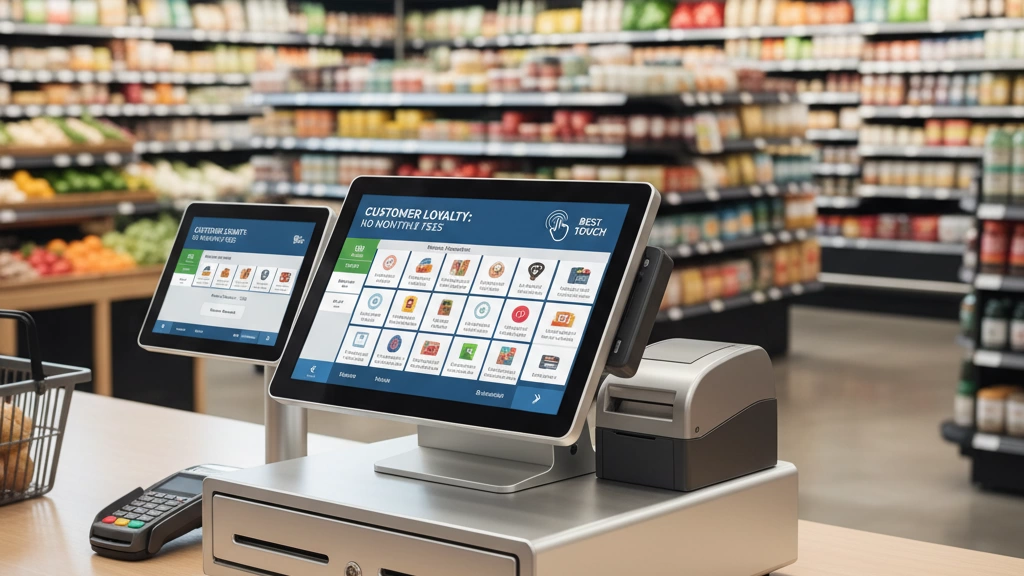
Running a retail or grocery store, you know every second at checkout counts—and so does every dollar saved. If you’re tired of monthly fees stacking up from subscription-based POS systems, it’s time to rethink your setup. The best touch screen registers with built-in loyalty programs (no monthly fees) can streamline your sales, reward your repeat customers, and slash your overhead — all with a simple, one-time investment. Ready to cut costs, boost loyalty, and keep your business running smoothly? Let’s explore the top no-fee POS solutions designed just for shops like yours.
Decoding the Must-Haves: What Makes a Touch Screen Register with Integrated Loyalty a Game-Changer?
A touch screen register with integrated loyalty is more than just a checkout tool—it’s a powerful sales and customer engagement engine for retail and grocery stores. At its core, this solution combines rugged hardware and intuitive software into a seamless POS system designed to simplify daily operations and boost repeat business.
Core Components to Look For:
- Touch Screen POS Hardware-Software Bundle: Durable, spill-resistant screens paired with fast processors make checkout smooth and reliable. The software should be user-friendly, responsive, and equipped with essential retail tools.
- Loyalty Integration Essentials: Look for loyalty programs that automatically track points, offer tiered rewards, and maintain detailed customer profiles—all without extra monthly fees. This empowers personalized marketing and keeps customers coming back.
- Retail vs. Grocery Nuances: Grocery stores need features like PLU support for produce, barcode scanning compatibility, and offline mode to keep transactions flowing even when the internet goes down. Retail shops benefit from quick item lookup and flexible loyalty options tailored to diverse product lines.
- The SDLPOS Edge: Systems like SDLPOS stand out by offering native scalability without vendor lock-in. That means you won’t be tied to expensive subscriptions or forced upgrades, plus you get the freedom to customize and grow your system exactly how your business needs.
This combination of hardware durability, software savvy, and loyalty integration transforms a standard register into a game-changer—streamlining checkout, deepening customer relationships, and driving long-term growth without surprise costs.
The Hidden Costs of Subscriptions: Why No-Fee POS Models Are Retail’s Smart Bet
Subscription-based POS systems might seem low-cost at first, but those monthly fees add up fast. Here’s the catch:
- Escalating Fees: Base prices can spike with add-ons like loyalty or inventory.
- Integration Hassles: Connecting third-party apps often means extra charges or compatibility issues.
- Data Silos: Your sales and customer info get locked inside vendor platforms, limiting your control and exports.
In contrast, no-fee POS models, like perpetual license systems, offer clear benefits:
- One-Time Purchase: Pay once, own it forever—no surprise fees.
- Unlimited Customization: Adjust software and hardware without permission or extra cost.
- No Forced Upgrades: Choose when to update, avoiding downtime or pricey updates.
- Full Data Control: Keep your customer and sales data stored locally or backed up on your terms.
Real-World ROI Comparison
| Feature | Subscription POS | No-Fee POS Register |
|---|---|---|
| Upfront Cost | Low, but recurring fees | Moderate, no recurring fees |
| Monthly Payments | $50 – $150+ | $0 |
| Loyalty Integration | Extra fees common | Included, no extra cost |
| Data Ownership | Vendor controls | Full customer control |
| Long-Term Cost (5 yrs) | $3,000+ (fees + add-ons) | $800 – $1,200 (one-time) |
| Customization | Limited | Unlimited |
For example, a typical grocery store paying $100/month for a subscription POS with loyalty features spends $6,000 over five years. A one-time purchase no-subscription system with built-in loyalty could cost $1,000 upfront—and nothing after.
This difference means better profit margins, more flexibility, and stronger growth control. For detailed questions about how one-time POS purchases work, check out SDLPOS’s comprehensive FAQ on no-subscription systems.
In short: ditch recurring fees, keep control of your data, and get a loyalty program without paying extra. Your wallet—and your customers—will thank you.
Essential Features Checklist: Building a Bulletproof No-Subscription Touch Screen POS
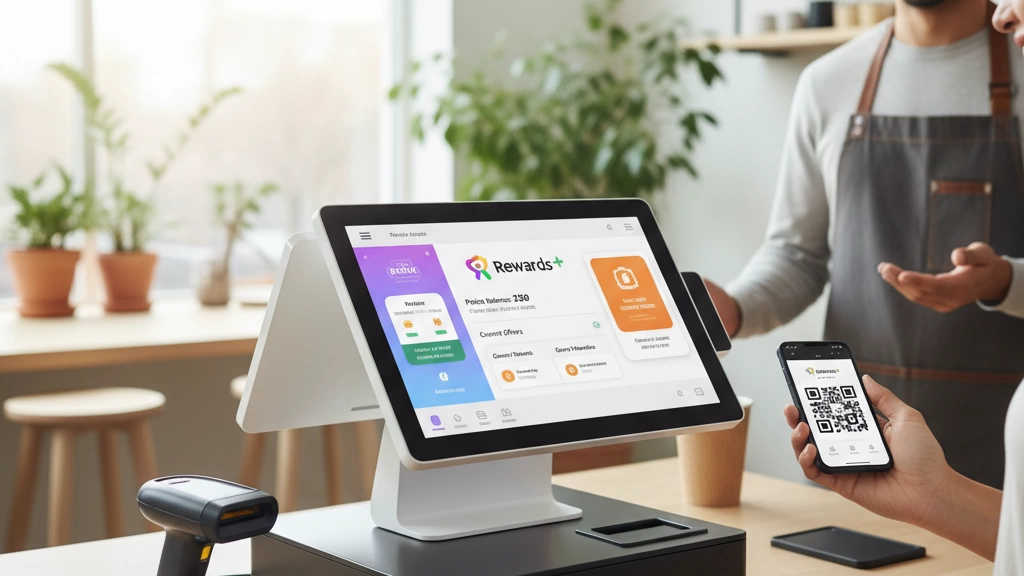
Choosing the right no-subscription touch screen register means focusing on key features that keep your retail or grocery store running smoothly—with no surprise fees.
Hardware Durability
- Rugged, Spill-Resistant Screens: Survives daily wear and occasional spills.
- Integrated Scanners & Barcode Readers: Speeds checkout and supports barcode-enabled no-subscription registers.
- Weigh-Scale Compatibility: Essential for grocery stores with produce and bulk items.
Software Smarts
- Inventory Tracking: Real-time stock updates with no monthly fees.
- Multi-User Permissions: Control who accesses sales, inventory, or loyalty settings.
- Automatic Loyalty Rewards: Built-in programs offering points, tiered rewards, and customer profiling—all native, no add-ons needed.
Connectivity & Scalability
- USB & Bluetooth Ports: Connect scanners, card readers, and printers without hassle.
- Cloud-Optional Reporting: Access sales and loyalty data anytime, with offline capability when Internet is down.
- E-commerce Ready: Supports integration for online sales as your business grows.
Security & Compliance
- PCI DSS Compliance: Ensures secure payment handling.
- Data Encryption: Protects customer and business information.
- Audit Trails: Track transactions and employee activities with ease.
Decision Matrix: Matching Features to Your Store Size & SKU Count
| Store Type | Key Features | SKU Range | Recommended Hardware |
|---|---|---|---|
| Small Retail | Basic inventory, loyalty, USB ports | 500 – 2,000 SKUs | Compact touch registers with scanners |
| Mid-Size Grocery | Weigh-scale support, tiered rewards | 2,000 – 10,000 SKUs | Rugged terminals, barcode & scale ready |
| Large Supermarket | Cloud reports, multi-user controls | 10,000+ SKUs | Scalable systems with e-commerce links |
Selecting a no-subscription POS that fits your store type helps avoid wasted features and maximizes your return on investment.
For more on why no-subscription models make sense, check out our detailed analysis of the benefits of POS systems for small business.
Top Recommendations: The Best No-Fee Touch Screen Registers for Retail and Grocery in 2025
When it comes to no-fee touch screen registers with built-in loyalty programs, a handful of systems stand out for retail and grocery stores in 2025. These POS solutions pack durable hardware, user-friendly interfaces, and loyalty features like automated points and tiered rewards—all without monthly subscription fees.
SDLPOS Flagship Models
SDLPOS offers some of the best perpetual license POS systems on the market. Their flagship touch screen registers come with rugged, spill-resistant displays, integrated barcode scanners, and native loyalty programs designed to boost customer retention without extra charges. You get zero-fee updates and access to US-based support that understands local retail workflows—perfect for grocery stores needing weigh-scale compatibility or retail outlets handling large SKU lists.
Specs and Pricing Overview
- Hardware: All-in-one touchscreen terminals with USB and Bluetooth ports for scanners and peripherals.
- Software: Inventory tracking, multi-user permissions, offline mode, and customizable loyalty rewards are standard.
- Price Range: One-time purchase prices typically range from $800 to $1,500 depending on specs and features. No hidden monthly fees or forced upgrades.
- Pros: No ongoing costs, easy loyalty program setup, secure PCI DSS-compliant transactions.
- Cons: Initial investment higher than subscription plans but pays off over time.
User Spotlights: Real Loyalty Boosts
Retailers using SDLPOS have reported a 20-30% increase in repeat business thanks to the built-in loyalty tools. Grocery stores especially benefit from features like barcode-enabled PLU terminals and bulk discount automation. For more on how these systems handle grocery operations, check out the detailed grocery store POS insights.
Buying Guide: What to Look For
- Warranties: Opt for POS hardware with at least a 1-year warranty and readily available parts.
- Local Support: US-based customer service can drastically reduce downtime.
- Scalability: Choose systems like SDLPOS that allow you to add registers or features without vendor lock-in.
- Integration: Ideal systems support barcode scanners and cash drawers suited to your store size.
By focusing on no-subscription, fully integrated touch screen registers from trusted providers like SDLPOS, small to mid-sized retailers and grocers can enjoy affordable, scalable solutions optimized for loyalty growth and operational efficiency.
Head-to-Head: No-Subscription POS vs. Subscription Giants—Which Wins for Your Bottom Line?
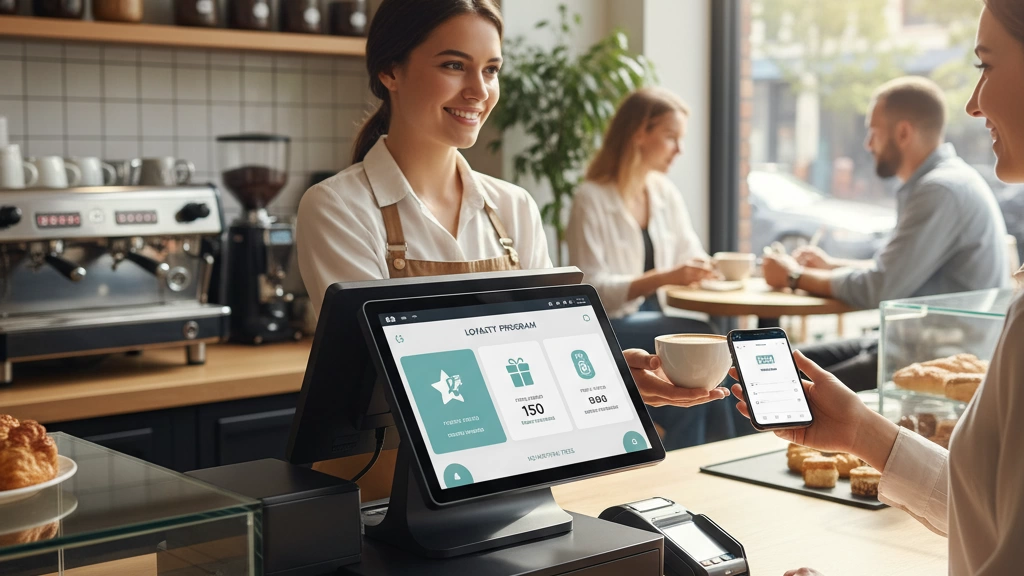
Choosing between no-subscription POS systems and subscription-based giants can make or break your store’s budget. Here’s a quick side-by-side look at the main differences:
| Feature | No-Subscription POS | Subscription-Based POS |
|---|---|---|
| Upfront Cost | One-time purchase, typically higher | Low initial cost, ongoing monthly fees |
| Loyalty Features | Built-in, no extra fees, customizable | Often add-ons with extra charges |
| Setup Ease | Moderate setup, full control | Quick setup, but limited customization |
| Scalability | Scalable without vendor lock-in | Can be restrictive, locked to vendor |
| Data Control | Full ownership, no data silos | Data stored on vendor servers |
| Long-Term Cost | Lower total cost over time | Costs grow with fees + upgrades |
Real Savings Example
- A small grocery store spends $1,200 upfront on a no-subscription POS with built-in loyalty and zero monthly fees.
- The same store might pay $50/month for a subscription POS, hitting $600 after just one year.
- By year three, the subscription costs $1,800 – which is 50% more than the upfront POS.
Verdict for SMBs
For most small to mid-sized retailers and grocers, no-subscription POS systems deliver a stronger ROI and greater control over loyalty programs without hidden fees or forced upgrades. They allow businesses to focus on building customer loyalty and managing inventory without worrying about unpredictable monthly expenses.
For a deeper dive into POS hardware options and setup basics, exploring guides like POS hardware basics for beginners can help you understand what fits your business best.
Tailoring Your Choice: Matching POS Systems to Retail vs. Grocery Workflows
Choosing the right no-subscription touch screen register means matching its features to your specific retail or grocery needs. For retail stores, speed is king. Look for systems with quick-scan loyalty programs that automatically apply rewards during checkout to keep lines moving and customers happy. Fast barcode scanning and easy customer profiling help boost repeat visits without slowing down your staff.
Grocery stores need additional layers of functionality. A top no-fee POS should support weigh-scale compatibility for produce and bulk items, plus perishables tracking to manage expiration dates and reduce waste. Expect built-in options for bulk discounts and PLU support to streamline common grocery workflows. Systems that handle high-volume transactions smoothly make a big difference here.
Store size also matters when customizing your setup:
- Small shops can prioritize simple, durable hardware with essential loyalty functions and offline mode.
- Medium to large stores benefit from scalable POS systems with robust multi-user permissions and advanced inventory control.
- Consider flexibility too — many solutions offer modular add-ons, letting you expand loyalty or e-commerce features as your business grows.
Matching the POS system to your store’s daily rhythm ensures you get the most value without paying for features you don’t need. For retailers and grocers looking for customizable setups, exploring SDLPOS’s varied configurations can be a great starting point to find a tailored no-subscription solution.
Learn more about building the right configuration with custom POS setups designed for retail and grocery.
From Box to Busy: Step-by-Step Setup for Your No-Fee Touch Screen POS
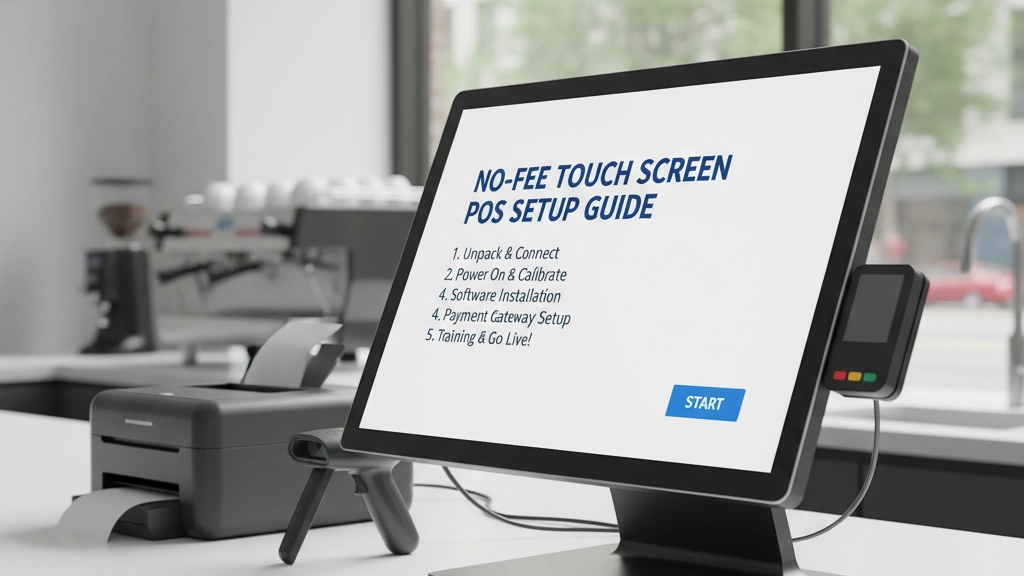
Getting your no-fee touch screen register up and running doesn’t have to be complicated. Here’s a simple, step-by-step guide to go from unboxing to full operation fast:
1. Preparation – Unboxing and Hardware Assembly
- Carefully unpack all components: touchscreen monitor, cash drawer, receipt printer, barcode scanner.
- Assemble the hardware according to the included manual. Most durable all-in-one checkout bundles are designed for quick setup.
- Connect power cables, barcode scanners, and any weigh-scale compatible cash drawers if applicable.
2. Software Setup – Inventory Upload and Loyalty Configuration
- Power on the system and follow the initial software prompts.
- Upload your inventory list, including PLUs and barcodes for retail or grocery tracking. Many no-subscription registers provide fee-free inventory management POS tools.
- Configure your built-in loyalty program: set automated points, tiered rewards, and customer profiles—no monthly fees involved.
- Assign user permissions for your staff, a must-have for multi-user setups and security.
3. Go-Live Testing – Simulate Transactions and Troubleshoot
- Run test sales with different payment methods, scanning barcodes, and applying loyalty points to ensure everything works smoothly.
- Check hardware responsiveness, receipt printing, and integration with any peripherals like weigh scales.
- Troubleshoot any hiccups early, using vendor support if needed; US-based help desks like SDLPOS offer reliable assistance.
4. Ongoing Tweaks – Audits to Optimize Loyalty ROI
- Periodically review sales reports and loyalty program performance to identify improvement areas.
- Adjust rewards or inventory as you learn more about customer habits and store traffic.
- Keep your system in good shape with regular software updates—many zero-fee POS solutions offer lifetime updates with no hidden costs.
Setting up a no-subscription touch screen register with integrated loyalty is straightforward and designed to keep your retail or grocery business moving smoothly from day one.
For more on durable POS hardware and industry-leading systems, see detailed insights on cash register POS machine supply and reviews of companies that produce point of sale systems.
Common Questions Answered: FAQs on No-Fee Touch Screen POS with Loyalty
How long does a no-subscription touch screen POS system last?
Most no-fee touch screen registers are built with durable hardware designed to last 5-7 years or more, depending on usage and care. Plus, with no forced upgrades tied to subscriptions, you maintain full control over when and how to update your system.
Can I add e-commerce or mobile payments later?
Yes. Many no-subscription POS systems support optional integrations like mobile wallets or online sales modules. These add-ons usually don’t require monthly fees, keeping your base system fee-free while expanding payment options as your store grows.
Is built-in loyalty better than third-party loyalty apps?
Built-in loyalty programs in no-fee POS systems offer seamless automation—points, rewards, and customer profiles sync directly without extra apps or subscriptions. This reduces complexity and costs compared to relying on external programs that often add fees or integration headaches.
Will my existing hardware work with a no-subscription register?
Compatibility varies. Check if your current barcode scanners, receipt printers, or cash drawers support USB or Bluetooth connections commonly used by these systems. Some vendors even offer trade-in programs or bundle hardware designed for easy upgrades and long-term support such as those outlined in POS hardware warranty information.
Are there trade-in options when upgrading?
Many vendors provide trade-in deals or buyback offers, helping offset the cost of upgrading to newer no-subscription models. This helps keep costs down and ensures your business stays current with reliable hardware.
How accessible is support for no-fee POS systems?
Support varies by provider but top no-subscription POS vendors, including SDLPOS, offer US-based customer service, software updates at no extra cost, and detailed setup assistance. This ensures your system runs smoothly without surprise fees or long waits.
For more on how to operate your new cash register and get the most of its features, explore detailed guides like operating a cash register.


