







Top POS Hardware for Supermarkets Fast Scanning and Multi-Terminal Sync


Understanding the Core Challenges in Supermarket POS Operations
Running a supermarket means dealing with nonstop, high-volume transactions that can easily create bottlenecks at checkout. Fast scanning is crucial, especially when handling heavy orders stacked with groceries, produce, and deli items. Slow or inaccurate scanning doesn’t just frustrate customers—it impacts turnover and sales.
Supermarkets also face ongoing inventory and integration hurdles. Many stores still rely on legacy POS systems that don’t communicate well with modern inventory management tools. This disconnect leads to stock discrepancies, making it harder to keep shelves stocked and the back office accurate.
Customer experience gaps often stem from slow receipt printing and terminal desynchronization. When checkout terminals fall out of sync or printers lag, lines get longer, and customer patience runs thin. According to industry stats, checkout delays are a top complaint, with nearly 60% of shoppers citing slow checkout as a major frustration.
Facing these challenges requires POS hardware that not only speeds up transactions but integrates smoothly with inventory systems and enhances the overall checkout experience. Investing in reliable, high-volume POS systems tailored for supermarkets is no longer optional—it’s essential for keeping business running smoothly and customers coming back.
Essential POS Hardware Components for Supermarkets
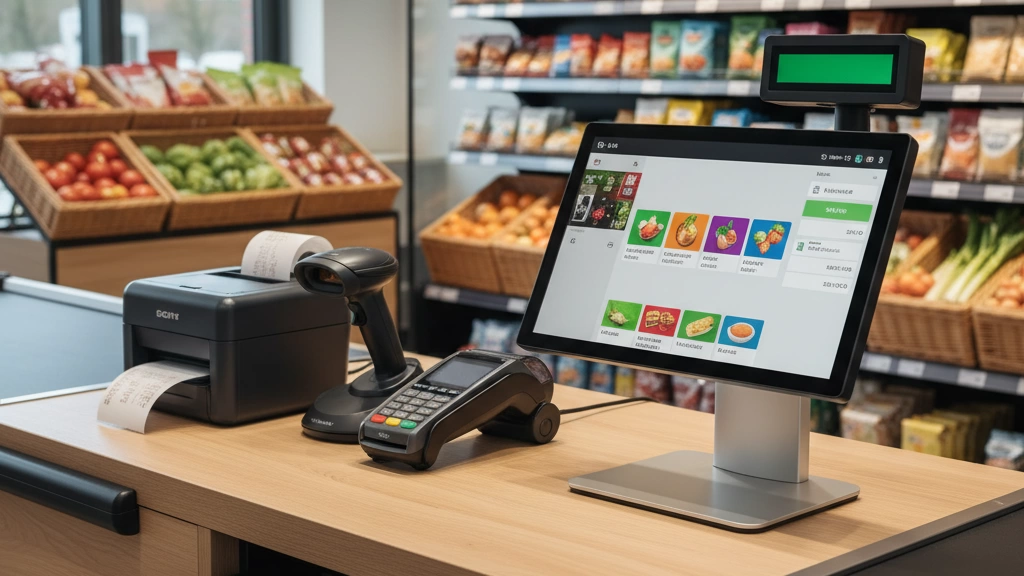
When setting up POS hardware for supermarkets, certain components are critical to keep checkout smooth and efficient. Start with cash registers and terminals—modern touchscreen all-in-one units with dual displays make it easy for cashiers and customers to see the transaction details clearly. These units streamline operations and speed up checkout times.
Next, barcode scanners and scale integrations are a must. Omnidirectional bioptic scanners handle fast, bulk scanning without errors, while integrated scales ensure that produce and deli items are weighed and priced accurately right at the register.
For printing, reliable receipt printers and label makers are essential. Thermal printers deliver quick, clear receipts, and direct thermal label printers create crisp, easy-to-read price tags and barcode labels—perfect for deli counters and produce sections.
Cash drawers and payment terminals provide security and flexibility. Look for programmable, sturdy cash drawers paired with EMV-compliant payment terminals to support chip cards and contactless payments, enhancing security and compliance.
Finally, use peripherals for enhanced functionality like cordless handheld scanners for quick price checks or inventory management on the floor and digital signage to display promotions or queue updates. These add-ons help improve both staff efficiency and customer experience.
Choosing the right mix ensures your supermarket POS system meets the demands of high-volume checkout and varied payment types. For more insights on choosing the right cash register, check our guide on how to choose a cash register for food and beverage businesses.
Key Features to Prioritize in Supermarket POS Hardware
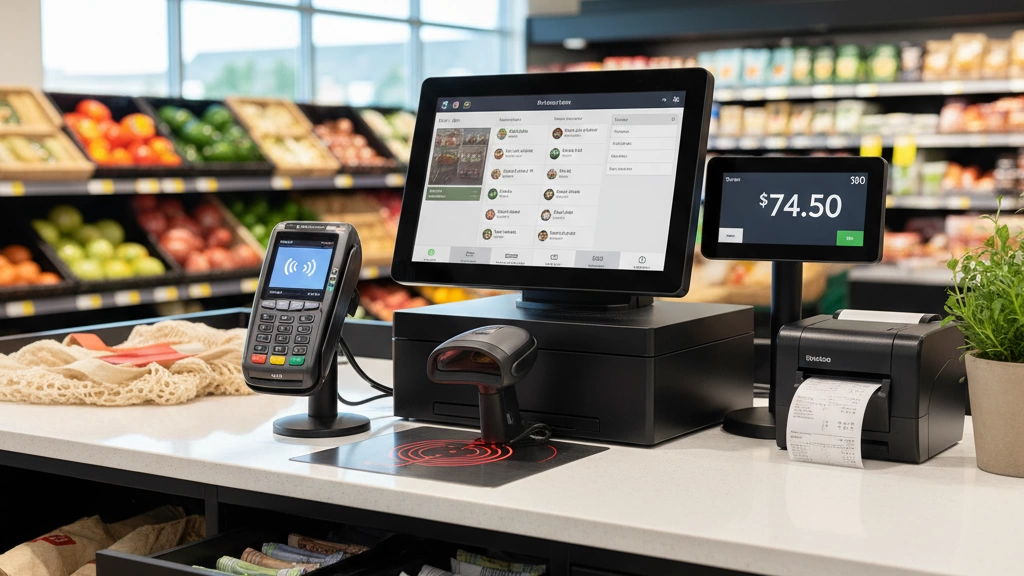
When choosing POS hardware for supermarkets, focusing on certain features can make or break daily operations. Here’s what to prioritize:
| Feature | Why It Matters | Example/Benefit |
|---|---|---|
| High Concurrency & Multi-Terminal Sync | Ensures smooth real-time data sharing across several registers to avoid checkout delays and inventory errors. | Multiple lanes updating stock simultaneously without lag. |
| Fast Scanning & Processing | AI-enhanced scanners speed up bulk item processing, handling produce, deli, and groceries without slowing down lines. | Reduces wait times during peak hours. |
| Robust Server Connectivity & Cloud Integration | Supports hybrid setups so terminals work even if internet drops, syncing data once back online. | Keeps checkout smooth with offline resilience. See our guide on cloud-connected supermarket POS. |
| Durability for Heavy-Duty Use | Spill-proof and modular hardware stands up to the daily rigors of a busy supermarket environment. | Minimizes downtime due to hardware failures. |
| Security and Compliance | PCI DSS compliance, encrypted transactions, and audit trails protect customer data and maintain trust. | Meets regulatory standards and prevents breaches. |
These key features help create a fast, reliable, and secure checkout experience — essential for supermarkets handling high-volume transactions and diverse product mixes. Prioritizing such specs ensures your POS hardware tackles heavy orders without hiccups.
How to Select the Right POS Hardware for Your Supermarket Size and Budget
Choosing the right POS hardware starts with understanding your supermarket’s unique needs. Small independents might benefit from scalable bundles that allow adding more terminals as they grow, while larger chains need systems that easily handle multiple locations with centralized management.
When evaluating vendors, prioritize reliability, comprehensive warranty coverage, and seamless ERP or inventory system integration. These factors help avoid costly downtime and simplify inventory tracking.
ROI matters—look closely at how faster checkout times and reduced labor costs from high-volume POS systems can quickly justify your investment. Calculate potential gains in throughput and employee productivity to make an informed decision.
Avoid common pitfalls like buying hardware that won’t support future growth or grocery-specific challenges such as integrated scale compatibility and heavy order processing. Selecting adaptable, grocery-tailored solutions ensures your investment remains solid for years.
For a deeper dive into choosing POS hardware tailored for dynamic retail settings, check out this guide on how to choose POS hardware for seasonal businesses, which shares insights also relevant to budget-conscious supermarket owners.
SDLPOS: Your Trusted Partner in Supermarket POS Hardware
At SDLPOS, we specialize in delivering POS hardware solutions designed specifically for supermarkets and grocery stores across the U.S. Our products are built to handle high-volume POS systems, ensuring smooth checkout even during peak hours. We focus on tailored innovations like high concurrency processors that keep multiple terminals synced in real time, reducing bottlenecks and improving customer flow.
Our flagship lineup includes sync-ready peripherals such as omnidirectional barcode scanners and integrated scales, ideal for fast scanning and accurate weigh-price calculations. For stores dealing with heavy orders, we offer modular add-ons that provide extra processing power and reliable backups, keeping your operations running without hiccups.
Beyond hardware, SDLPOS supports you with 24/7 assistance, professional installation services, and comprehensive training. This support ecosystem helps you get the most out of your investment and smoothly integrate our cloud-connected supermarket POS systems with your existing infrastructure.
Discover how SDLPOS can transform your grocery checkout experience with proven solutions designed for real-world demands. For more insight into how our modern POS hardware solutions improve business efficiency, visit our detailed resources on modern POS hardware solutions and learn how cash registers improve business efficiency.
Real-World Case Studies: SDLPOS in Action
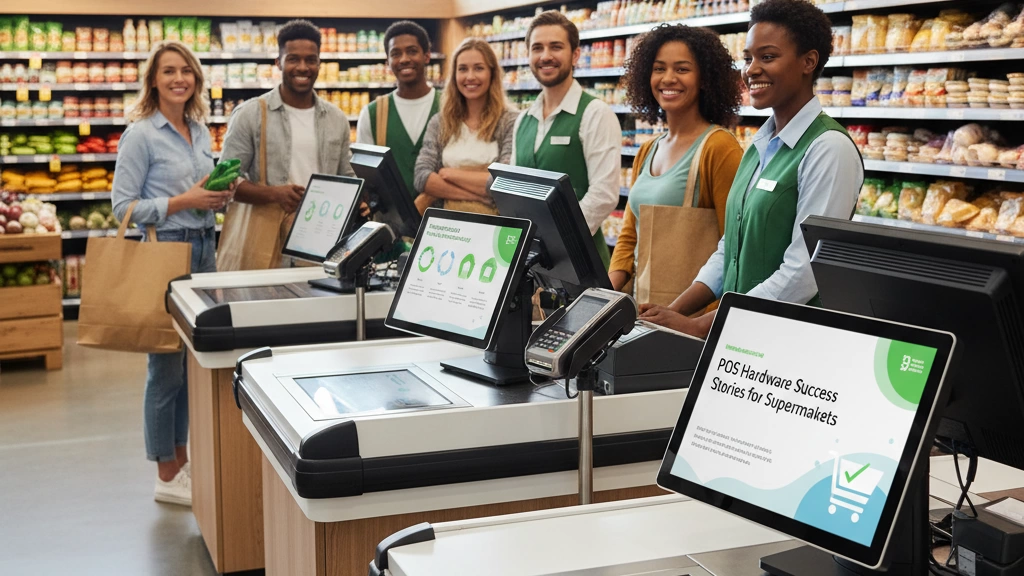
At SDLPOS, we’ve helped supermarkets of all sizes upgrade to high-performance POS hardware that truly moves the needle. Take a mid-sized urban supermarket, for example. By switching to our high concurrency, multi-terminal sync systems paired with fast receipt printers and robust server connections, they saw checkout times drop significantly. More importantly, the system ran with zero downtime during peak hours, keeping lines short and customers happy.
For a regional grocery chain, the results were just as impressive. After a full POS hardware overhaul—featuring integrated scale POS hardware and durable cash register drawers—they cut inventory errors by nearly 30%. This boost in accuracy translated directly into happier customers and better stock management across all stores.
From these implementations, we learned valuable lessons about scalability. Especially during peak seasons, having predictable, server-integrated POS peripherals is critical to handling surges without slowdowns. Our clients consistently praise how SDLPOS solutions support their growth and reduce labor costs, improving their ROI well beyond just hardware upgrades.
These real-world successes highlight why supermarkets trust SDLPOS for advanced, reliable POS hardware tailored to the grocery industry’s challenges. For more on scalable grocery checkout systems and multi-terminal synchronization, you can also explore our guide to dual-screen POS for enhanced efficiency across registers.
Implementation Best Practices and Maintenance Tips
Rolling out POS hardware in your supermarket smoothly takes planning. Start with a thorough hardware assessment, making sure every terminal, scanner, and printer fits your store’s needs. Next, create a clear timeline for installation and staff training, leading up to a confident go-live day.
To keep things running optimally, regularly perform firmware updates and schedule predictive maintenance. This prevents unexpected failures and extends the life of your equipment. Staying proactive means fewer disruptions during busy hours.
Common hiccups include multi-terminal sync delays and receipt printer jams. Address sync issues by ensuring your network is stable and POS terminals are correctly configured for real-time data sharing. For printer jams, routine cleaning and using quality thermal paper can cut down on downtime.
Looking ahead, supermarkets are adopting AI-driven analytics in their POS systems to forecast demand and optimize checkout flow. Also, sustainable hardware options—like energy-efficient devices and recyclable materials—are gaining ground, aligning tech upgrades with environmental goals.
For a deep dive on cash register functionality that fits into your rollout plan, check our guide on the functions of a cash register.


