







Diferencias entre caja registradora y sistema POS explicadas para pequeñas empresas


Qué es una caja registradora
Definición e historia de la caja registradora
A caja registradora es un dispositivo de venta minorista tradicional utilizado para registrar y procesar transacciones básicas de venta. Inventada a finales del siglo XIX por James Ritty para prevenir el robo por parte de empleados, desde entonces se ha convertido en un elemento básico en los puntos de venta en todo el mundo. Originalmente mecánica, las cajas registradoras evolucionaron para incluir modelos electrónicos que ofrecen un procesamiento más rápido y una impresión de recibos mejorada. A pesar del auge de tecnologías más nuevas, las cajas registradoras siguen siendo importantes en muchos pequeños negocios por su enfoque sencillo para gestionar ventas.
Características principales y funcionalidades de las cajas registradoras
Las cajas registradoras se centran en funciones básicas de venta que hacen que las operaciones diarias en el comercio minorista sean simples y confiables. Sus características principales suelen incluir:
- Registro de transacciones de venta incluyendo la adición de precios de artículos y el cálculo del cambio
- A caja registradora que almacenan de forma segura efectivo y monedas
- Impresión de recibos para proporcionar a los clientes una prueba de compra
- A menudo limitadas a entrada manual o escaneo de códigos de barras en algunos modelos electrónicos
Estas funciones mantienen el proceso de pago rápido y sencillo, asegurando que los negocios puedan manejar pagos en efectivo de manera eficiente sin tecnología compleja.
Casos de uso típicos y tipos de negocios más adecuados para las cajas registradoras
Las cajas registradoras son ideales para negocios que priorizan la simplicidad y soluciones de bajo costo con requisitos técnicos mínimos. Los tipos de negocios que utilizan cajas registradoras incluyen:
- Pequeñas tiendas minoristas con bajos volúmenes de transacciones
- Camiones de comida, tiendas temporales y vendedores en mercados
- Negocios de servicios como salones o talleres de reparación que aceptan principalmente pagos en efectivo o con tarjetas simples
- Negocios que no requieren un seguimiento avanzado de inventario o gestión de datos de clientes
las cajas registradoras son adecuadas para negocios que buscan gestión básica de transacciones con fiabilidad, operación sencilla y bajo coste inicial. Ofrecen una solución de pago sencilla sin las funciones adicionales que se encuentran en los sistemas POS modernos.
¿Qué es un sistema POS y cómo ha evolucionado?
A sistema POS (sistema de punto de venta) es una solución moderna que va más allá de las cajas registradoras tradicionales. Es una combinación de hardware y software diseñada para gestionar transacciones de venta y también administrar muchas operaciones comerciales. A lo largo de los años, los sistemas POS han evolucionado de simples cajas registradoras a herramientas potentes que ofrecen control de inventario, análisis de ventas y gestión de clientes, convirtiéndolos en esenciales para muchos tipos de minoristas y proveedores de servicios hoy en día.
Funciones y características principales de los sistemas POS
A diferencia de las cajas registradoras básicas, Los sistemas POS ofrecen una variedad de funciones avanzadas, incluyendo:
- Gestión de inventario: Seguimiento automático de niveles de stock, establecimiento de alertas de reorden y gestión de variaciones de productos como tamaño, color o estilos.
- Seguimiento y reporte de ventas: Generar informes detallados sobre datos de ventas para identificar tendencias, productos más vendidos y horarios pico.
- Integración de datos de clientes: Capturar y almacenar información de los clientes para apoyar programas de fidelización, marketing por correo electrónico y promociones personalizadas.
- Procesamiento de pagos: Integrar sin problemas con múltiples pasarelas de pago, incluyendo tarjetas de crédito/débito, monederos móviles y pagos sin contacto.
- Venta multicanal: Conectar las ventas en tiendas físicas con las tiendas en línea para un seguimiento y cumplimiento integrados.
Tipos de sistemas POS en la nube y en local
Hoy en día, las empresas eligen entre dos tipos principales de sistemas POS:
- TPV en la nube: Estos sistemas almacenan datos en línea y se pueden acceder desde cualquier lugar con conexión a internet. Ofrecen flexibilidad, actualizaciones fáciles y menores costes iniciales. Ejemplos incluyen Square, Shopify POS y Lightspeed.
- POS en local: Instalados localmente en el hardware de una empresa, estos sistemas ofrecen mayor control sobre los datos pero requieren inversión inicial en servidores y mantenimiento. A menudo son preferidos por empresas más grandes con necesidades complejas.
Negocios típicos que utilizan sistemas POS
Los sistemas POS son ideales para negocios que desean más que solo un procesamiento básico de ventas. Estos incluyen:
- Tiendas minoristas que necesitan seguimiento de inventario en tiempo real
- Restaurantes y cafeterías que manejan pedidos complejos y gestión de mesas
- Salones y spas que gestionan citas junto con ventas
- Negocios medianos a grandes que buscan análisis detallados de ventas y conocimientos sobre clientes
- Negocios de comercio electrónico que sincronizan ventas en tienda y en línea
En general, los sistemas POS ofrecen a los negocios mayor control, visión y eficiencia, lo que apoya decisiones más inteligentes y experiencias mejoradas para los clientes.
Comparación detallada Registro de caja vs Diferencias en sistema POS
Diferencias en funcionalidad
Capacidades de manejo de transacciones
- cajas registradoras enfocándose en transacciones básicas de ventas, gestión de caja registradora y impresión de recibos. Manejan pagos simples pero carecen de flexibilidad para tipos de pago modernos como monederos móviles o pagos divididos.
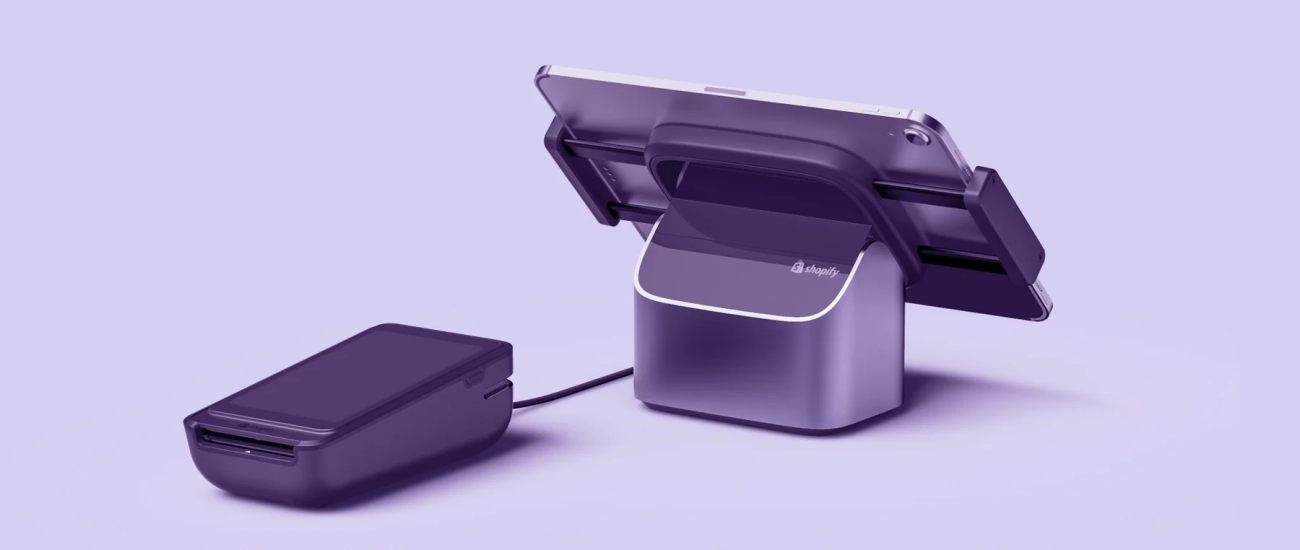
- sistemas POS soportan transacciones complejas, incluyendo múltiples métodos de pago, descuentos, devoluciones y pagos divididos. También rastrean las ventas en tiempo real, permitiendo experiencias de compra más fluidas.
Análisis de inventario y ventas
- Las cajas registradoras ofrecen seguimiento de inventario nulo o muy limitado. Los propietarios de tiendas gestionan manualmente el stock y no reciben informes automáticos de ventas.
- Los sistemas POS vienen con gestión de inventario integrada y análisis detallados de ventas, permitiendo a las empresas rastrear niveles de stock, puntos de reorden y rendimiento de productos sin esfuerzo.
Gestión de relaciones con clientes (CRM)
- Las cajas registradoras típicamente no almacenan datos de clientes más allá de un registro básico de ventas.
- Los sistemas POS integran gestión de datos de clientes, permitiendo programas de fidelidad, marketing personalizado y mejor atención al cliente basada en el historial de compras.
Diferencias en tecnología e integración
Requisitos de hardware
- Las cajas registradoras requieren hardware básico: un cajón de dinero, impresora de tickets y teclado o pantalla táctil. La configuración suele ser sencilla con componentes mínimos.
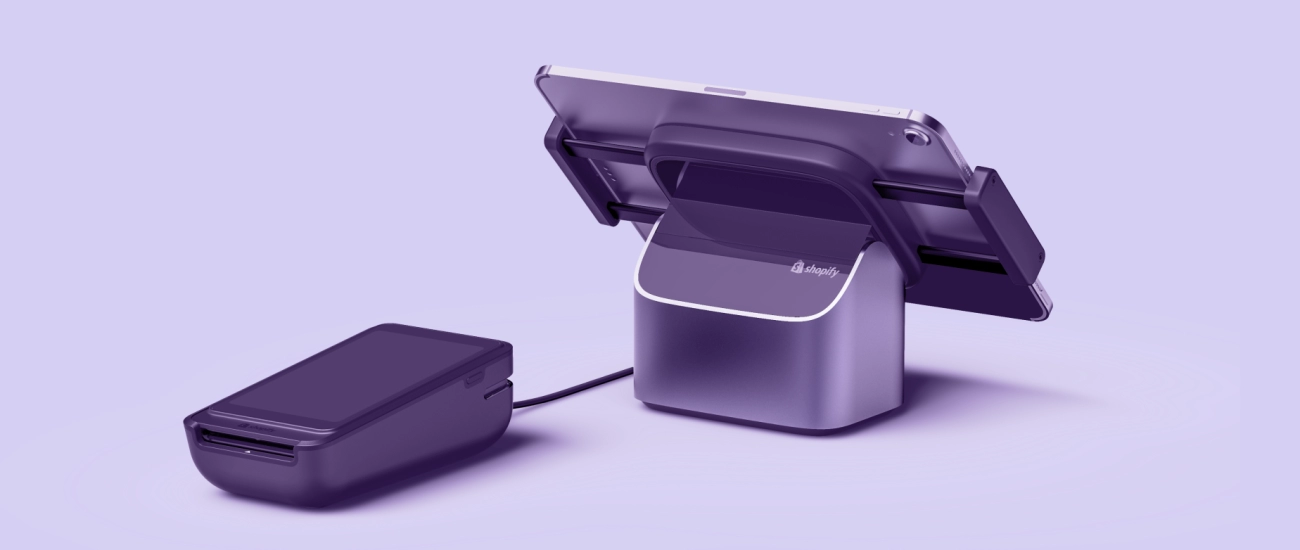
- Los sistemas POS pueden ser basados en la nube o en local y a menudo requieren hardware más avanzado como tablets, escáneres de código de barras, lectores de tarjetas y, en ocasiones, servidores dependiendo del sistema.
Capacidades de software y actualizaciones
- Las cajas registradoras funcionan con software simple, a menudo estático que rara vez se actualiza. Las funciones permanecen básicas y no evolucionan mucho con el tiempo.
- Los sistemas POS ofrecen actualizaciones regulares de software, añadiendo nuevas funciones, mejorando la seguridad y facilitando la usabilidad. Las soluciones POS en la nube se actualizan automáticamente sin intervención del usuario.
Integración con pasarelas de pago, contabilidad y comercio electrónico
- Las cajas registradoras tienen integración limitada o nula opciones con procesadores de pago o software de contabilidad. Generalmente manejan transacciones en efectivo y con tarjeta de forma independiente.
- Los sistemas POS se integran perfectamente con pasarelas de pago, software de contabilidad (como QuickBooks) y plataformas de comercio electrónico, optimizando las operaciones comerciales y reduciendo el trabajo manual.
Consideraciones de costos entre caja registradora y sistema POS
| Factor | Caja registradora | Sistema de TPV |
|---|---|---|
| Inversión inicial | Costo inicial bajo | Costo inicial más alto |
| Costos de Mantenimiento | Mantenimiento mínimo, rara vez actualizado | Suscripción continua, posibles actualizaciones de hardware |
| Escalabilidad | Limitado a configuraciones pequeñas y estáticas | Altamente escalable; crece con el negocio |
| Retorno de inversión a largo plazo | Retorno de inversión menor debido a funciones limitadas | Potencialmente mayor retorno de inversión mediante conocimientos y eficiencia |
Facilidad de Uso y Capacitación
Complejidad de la interfaz de usuario
- Funcionalidad de cajas registradoras interfaces simples y familiares, fáciles de aprender para los empleados rápidamente.
- Los sistemas POS a veces pueden ser complejo debido a funciones avanzadas, pero los diseños modernos son cada vez más fáciles de usar.
Requisitos de Capacitación
- Las cajas registradoras requieren capacitación mínima ya que las funciones son sencillas.
- Los sistemas POS generalmente necesitan alguna capacitación para el personal para aprovechar completamente capacidades como seguimiento de inventario, CRM e integraciones.
Seguridad y Cumplimiento
Funciones de Seguridad en Pagos
- Las cajas registradoras ofrecen seguridad básica, principalmente en la caja registradora y la impresión de recibos.
- Los sistemas POS soportan protocolos de seguridad avanzados incluyendo cifrado de extremo a extremo, cumplimiento con PCI y tokenización para transacciones electrónicas más seguras.
Normas de Protección de Datos y Cumplimiento
- Las cajas registradoras no gestionan datos sensibles de clientes más allá del manejo de efectivo.
- Los sistemas POS siguen las normas de protección de datos de la industria, garantizando la seguridad de los datos del cliente y el cumplimiento de regulaciones como PCI DSS, lo cual es crucial para negocios que procesan pagos digitales.
Ventajas y Desventajas de las Cajas Registradoras
Ventajas de las Cajas Registradoras
Las cajas registradoras han sido una opción confiable durante décadas, especialmente para pequeñas tiendas y negocios locales. Sus principales ventajas incluyen:
- Simplicidad: Fácil de operar con formación mínima, lo que las hace ideales para entornos de ventas sencillos.
- Bajo costo: Las cajas registradoras suelen ser más asequibles inicialmente en comparación con los sistemas POS complejos, lo cual es excelente cuando el presupuesto es ajustado.
- Fiabilidad: Estas máquinas están diseñadas para transacciones básicas de venta y a menudo funcionan sin conexión a internet, reduciendo riesgos de tiempo de inactividad.
Para negocios que solo necesitan manejo básico de efectivo, impresión de recibos y una caja registradora, cubren todos los aspectos esenciales sin complicar el proceso de pago.
Limitaciones de las cajas registradoras
Mientras que las cajas registradoras sirven para necesidades de venta simples, no cumplen cuando los negocios requieren funciones modernas:
- Falta de análisis de datos: No rastrean inventario ni datos de ventas más allá de los totales diarios, lo que limita la capacidad de analizar el rendimiento o gestionar el stock de manera efectiva.
- Falta de flexibilidad: Las cajas registradoras no pueden integrarse con otras herramientas empresariales como software de contabilidad o plataformas de comercio electrónico, restringiendo el potencial de crecimiento.
- Opciones de pago limitadas: Muchas cajas registradoras tradicionales no soportan métodos de pago más recientes, como monederos móviles o tarjetas contactless.
Para negocios que buscan crecer o optimizar operaciones, estas limitaciones hacen que las cajas registradoras sean menos prácticas en comparación con los sistemas POS.
Comprender estas ventajas y desventajas ayuda a las empresas a decidir si una caja registradora es adecuada o si deberían considerar un sistema POS minorista más avanzado para un mejor control y análisis.
Ventajas y desventajas de los sistemas POS
Ventajas de los sistemas POS
Los sistemas POS ofrecen funcionalidad mejorada mucho más allá de simplemente procesar ventas. Ofrecen información valiosa perspectivas de negocio al rastrear tendencias de ventas, niveles de inventario y comportamiento del cliente en un solo lugar. Estos datos te ayudan a tomar decisiones más inteligentes y mejorar tus operaciones.
Otra ventaja clave es escalabilidad. Ya sea que dirijas una pequeña tienda o que te expandas a varias ubicaciones, un sistema POS puede crecer con tu negocio. Las opciones basadas en la nube facilitan agregar usuarios o nuevas funciones sin cambios importantes en el hardware.
Otras ventajas incluyen:
- Gestión de inventario: Las actualizaciones de stock en tiempo real reducen problemas de falta de inventario o exceso de stock.
- Gestión de relaciones con clientes: Almacena datos de clientes para marketing dirigido y programas de fidelización.
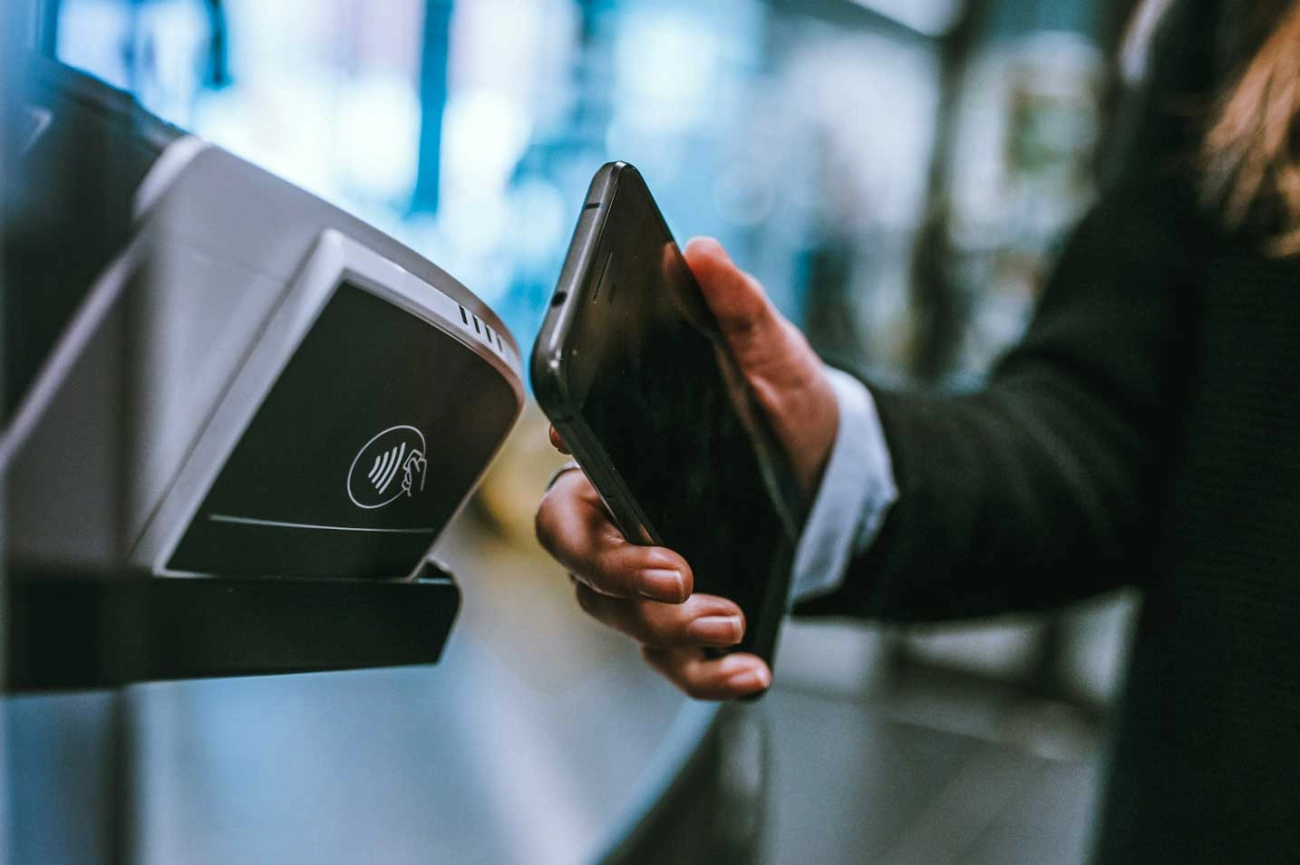
- Pagos integrados: Procesa tarjetas de crédito, billeteras digitales y otros tipos de pago de manera sencilla.
- Seguimiento y reporte de ventas: Acceso fácil a informes diarios para un mejor control financiero.
- Integración multicanal: Sincroniza con plataformas de comercio electrónico y software de contabilidad para flujos de trabajo más eficientes.
Limitaciones de los sistemas POS
Aunque son potentes, los sistemas POS generalmente tienen costes iniciales más altos en comparación con las cajas registradoras tradicionales. Esto incluye hardware, licencias de software y, a veces, tarifas de suscripción para servicios en la nube.
Otro desafío es la posible complejidad. Los nuevos usuarios pueden necesitar tiempo y capacitación para usar todas las funciones de manera efectiva, lo que puede ralentizar la adopción en entornos minoristas de ritmo rápido sin una incorporación adecuada.
Otras limitaciones a considerar:
- Costes continuos por actualizaciones de software y soporte técnico.
- Dependencia de la conectividad a internet para los sistemas en la nube.
- Riesgos de seguridad posibles si no se gestionan correctamente con actualizaciones y cumplimiento.
Elegir un sistema POS significa equilibrar estas capacidades avanzadas frente a los gastos iniciales y la curva de aprendizaje, pero para muchas empresas, los beneficios superan con creces las desventajas.
Cómo elegir entre una caja registradora y un sistema POS
Al decidir caja registradora vs sistema POS, la elección depende en gran medida de las necesidades y objetivos de su negocio. Para seleccionar la solución de caja adecuada, tenga en cuenta estos factores clave:
Factores a Considerar
Tamaño del Negocio
Los quioscos pequeños o tiendas de una sola ubicación con ventas simples pueden beneficiarse de una caja registradora. Las empresas más grandes o con varias ubicaciones suelen necesitar un sistema POS para gestionar operaciones complejas.
Volumen de transacciones
Los minoristas de bajo volumen pueden encontrar que las cajas registradoras son suficientes. Los volúmenes altos de transacciones requieren la velocidad, precisión y capacidades de informes de un sistema POS.
Presupuesto
Las cajas registradoras generalmente cuestan menos inicialmente. Los sistemas POS tienen costos iniciales más altos, pero ofrecen un mejor valor a largo plazo con funciones avanzadas.
Planes de crecimiento futuro
¿Planea expandirse o agregar servicios? Un sistema POS se escala fácilmente e integra nuevas funciones como programas de fidelización, actualizaciones de inventario y ventas en línea.
Preguntas clave antes de comprar
Antes de invertir, pregúntese:
- ¿Necesito informes de ventas detallados y seguimiento de inventario?
- ¿Qué tan importante es la integración de datos de clientes y marketing?
- ¿Mi negocio se expandirá o añadirá ubicaciones pronto?
- ¿Cuál es mi presupuesto para equipos y costos continuos?
- ¿Qué tan familiarizados están mis empleados con la tecnología? ¿Se adaptarán fácilmente a un nuevo software?
Tipos de negocios mejor adaptados para cada opción
| Tipo de negocio | Adecuado para caja registradora | Adecuado para sistema POS |
|---|---|---|
| Pequeñas tiendas minoristas | ✔ Ventas simples, de bajo volumen | ✘ Puede ser demasiado básico para el crecimiento |
| Camiones de comida y tiendas temporales | ✔ Ventas y recibos básicos | ✘ Si no se necesita gestión de inventario |
| Boutiques y tiendas especializadas | ✘ Conjunto de funciones limitado | ✔ Inventario, datos de clientes, promociones |
| Minoristas con múltiples ubicaciones | ✘ No práctico en varias ubicaciones | ✔ Informes centralizados y sincronización |
| Cafeterías y restaurantes | ✘ Falta de herramientas de pedidos e inventario | ✔ Gestión de pedidos, propinas, división de cuentas |
| Proveedores de servicios (salones, etc.) | ✔ Procesamiento de pagos básico | ✔ Herramientas de programación, inventario, CRM |
Al considerar cuidadosamente tu tamaño de negocio, volumen de transacciones, presupuesto y planes de crecimiento, puedes elegir un sistema que se adapte a tus necesidades actuales y apoye tus metas futuras sin gastar de más ni perder información valiosa.
Por qué elegir SDLPOS para tus soluciones de pago
Al decidir entre un caja registradora vs sistema POS, elegir el proveedor adecuado es clave para asegurarte de que tu inversión valga la pena. SDLPOS destaca como un socio confiable para negocios en toda España, ofreciendo una sólida reputación respaldada por años de experiencia en la entrega de tecnología de pago confiable.
Marca de confianza con experiencia comprobada
SDLPOS ha construido su credibilidad como un principal proveedor de cajas registradoras by providing durable, user-friendly products tailored to local business needs. Whether you’re looking for traditional cash registers or modern POS systems, SDLPOS delivers quality hardware and software designed for accuracy and efficiency.
Amplia gama de productos para todo tipo de negocio
- Sistemas POS Modernos adecuados para restaurantes, comercio minorista y sectores de servicios
- Las cajas registradoras tradicionales ideales para tiendas pequeñas o entornos de bajo volumen
- Accesorios y mejoras que mejoran la eficiencia y ayudan a agilizar el proceso de pago (ver accesorios para caja registradora)
Esta variedad le permite elegir lo que se adapta a su tamaño de negocio, volumen de transacciones y presupuesto de la mejor manera.
Soluciones personalizadas para negocios locales
SDLPOS entiende que no hay dos negocios iguales. Por eso ofrecen soluciones personalizadas soluciones adaptadas a las necesidades específicas de su sector, ya sea que gestione una tienda de comestibles, un café o una boutique. Sus configuraciones flexibles pueden crecer con usted, apoyando su expansión futura y las demandas cambiantes del mercado.
Atención al cliente y formación excepcionales
Un buen sistema no solo se trata de hardware y software. SDLPOS ofrece:
- Formación a demanda para que su personal se ponga al día rápidamente (aprenda a manejar una caja registradora)
- Soporte técnico receptivo para resolver cualquier problema rápidamente
- Actualizaciones de software en curso para las últimas funciones y mejoras de seguridad
Este enfoque en soporte garantiza que su proceso de pago funcione sin problemas, minimiza el tiempo de inactividad y mantiene su negocio en cumplimiento con las regulaciones actuales.


